Portfolio website
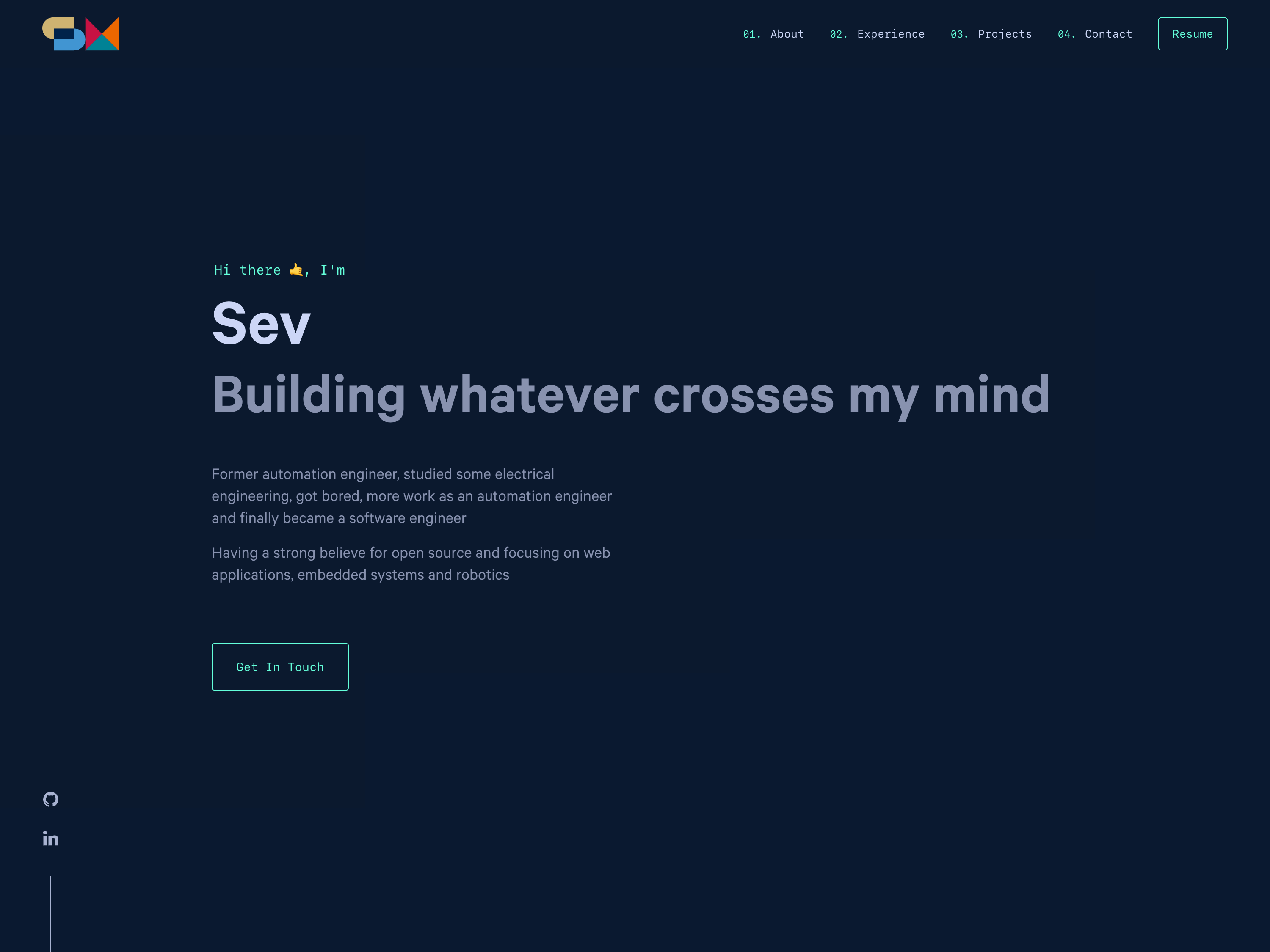
Well, it's a portfolio website. I already have a lot of different projects and hopefully a lot more to come but i never had a posibility to present them. So I just thought I gonna build myself a portfolio website.
This website consists of Gatsby, which is basically a static site generator. Or as its site explains it: "Blazing fast modern site generator for React". It takes the awesome parts of React and fixes the not so good ones like long time-to-active problem or that a lot of search engines can't really work with it.
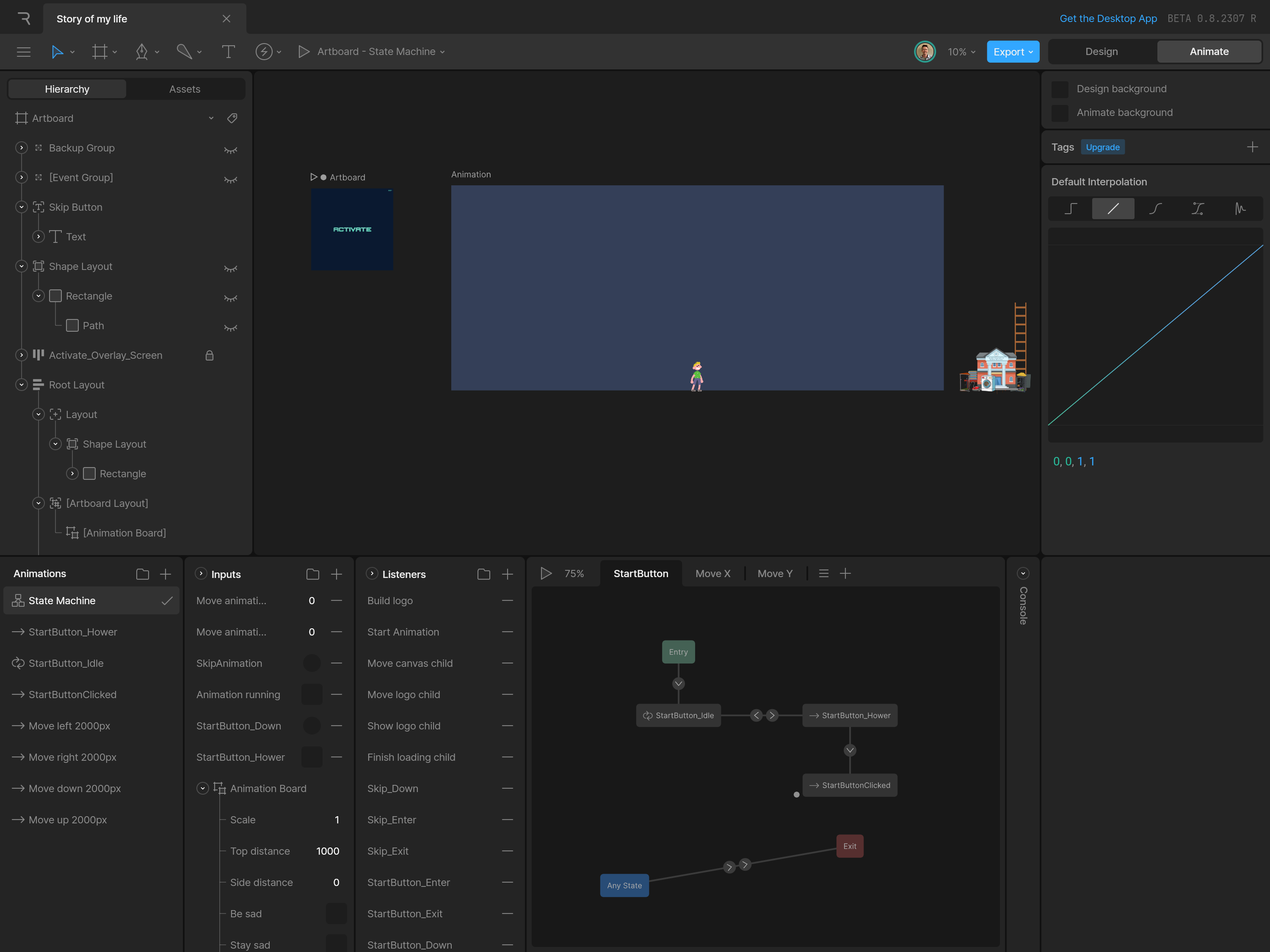
For the loading screen, I used Rive. It's a new way to build UI and graphics. And it't fully browser based. Simply awesome. Of course, as I'm not a graphic designer, there was a steep learning curve involved. I had to invest quite some time to get started.
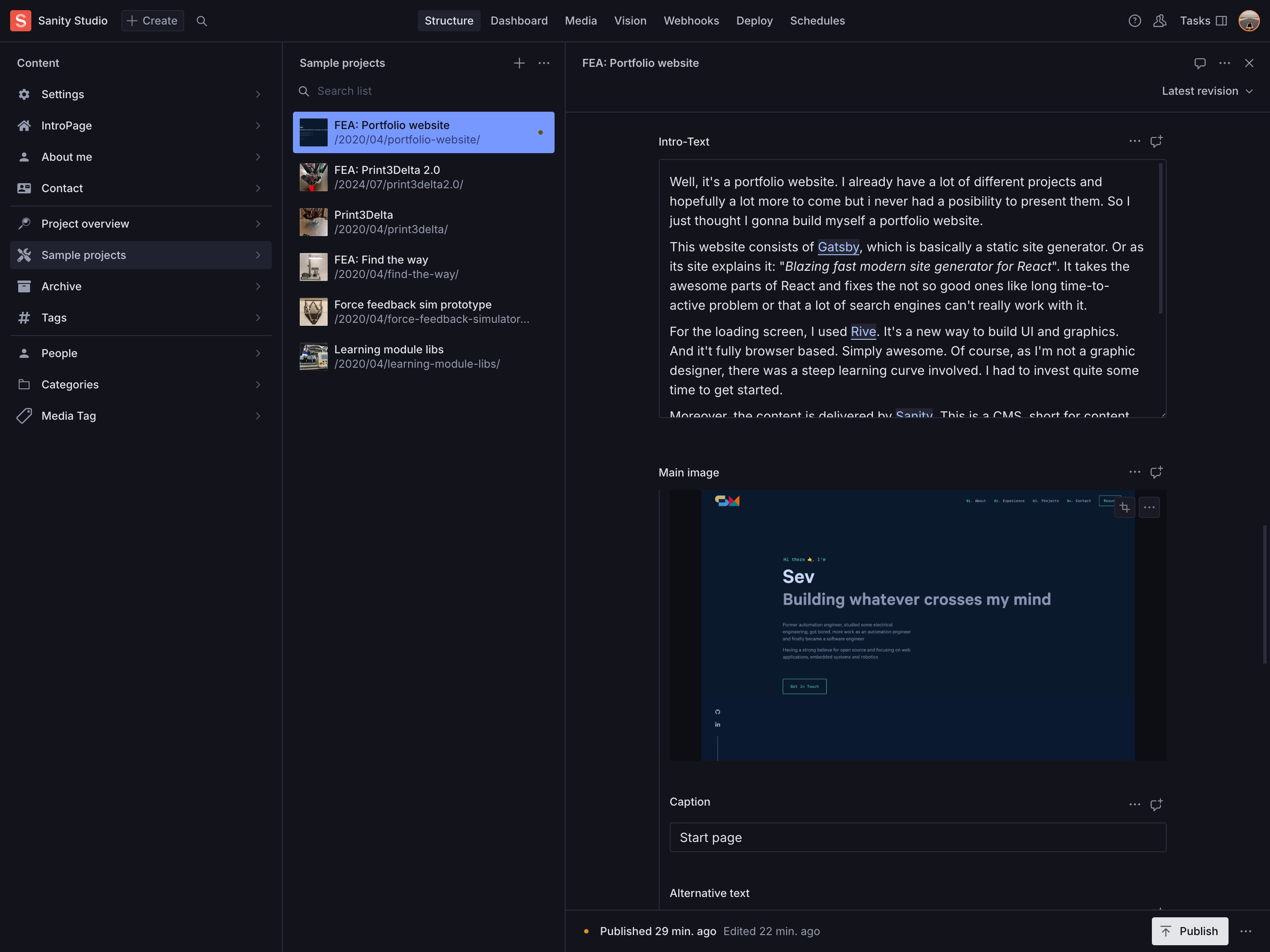
Moreover, the content is delivered by Sanity. This is a CMS, short for content management system. What this means it that the content is mostly separate of your website. You just tell your website where you want which content but you write it on the website of the CMS provider, in this case Sanity Studio. As a consequence, once the website itself is finished and deployed, you don't have to touch it again.
Overview
Honesty, at the beginning, I didn't really know where to start. I just knew I want to build a portfolio website.
I did a couple of tutorials regarding web development a couple years ago. Back then I had some free time and thought all this web development sound really interesting. So i checked it out and learnt all the necessary basics like HTML, CSS, Sass and JavaScript (ES6). Now I finally had the time to realise my idea.
First my plan was to just build something with some React, a couple of days it takes I figured. I didn't know about the new technologies like Gatsby or Sanity. I just thought I gonna use the skills I already have. I began searching for portfolio websites and templates to get a basic idea. As I was looking around I soon came across Gatsby. This one sounded like a pretty good option considering that I already knew a lot about React. As I was poking around in the starter templates, I noticed that most of them use a content management system, or CMS.
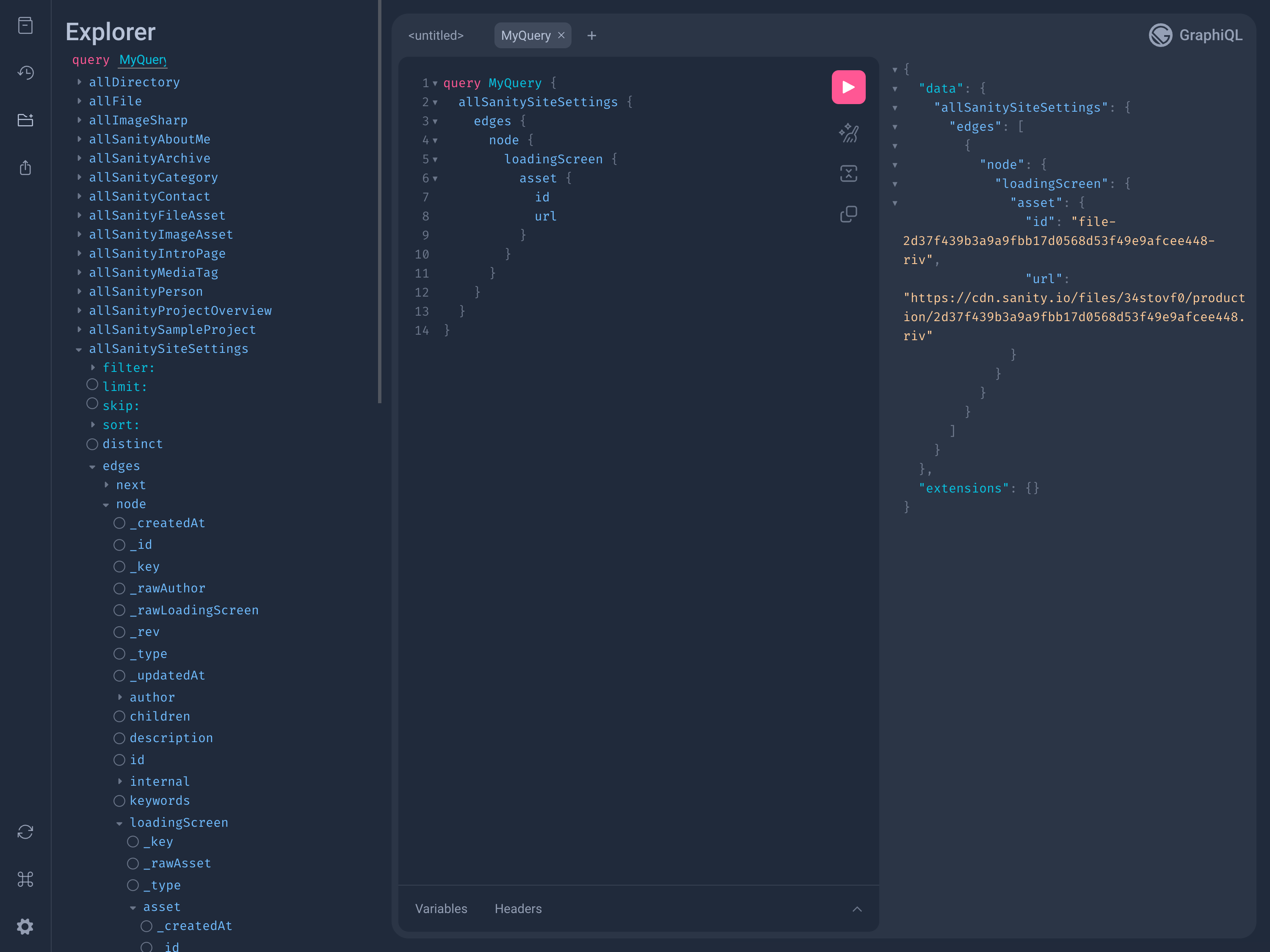
After lot of searching and comparing. I decided to go with Sanity, a desicion I'm pretty happy with. It offers a high flexibility and various amazing features. And it's completely free, at least in this small scale. A important criterion for me. One other thing about this, it uses GraphQL. I already heard about it but never really checked it out or used it. This one is just terrific. When I learnt about web development, I only used REST API but now with GraphQL live is much more comfortable.
So now I knew with which tools i gonna build my website but I still didn't know how it should look like. After some further searching I came across brittanychiang.com, made by Brittany Chiang This is a fantastic portfolio website. I ended up adapting the design for my own website. As it's the first time for me to build something web based, this certainly helped me a lot. I probably have the technical know how but the design skill is a whole other story.
So I modified this site to my own ideas, added some new features and aspects and did most of the code behind it by myself. But instead of listing every detail here, just feel free to check it out on my GitHub page. In the end building this site took me around one month and now I'm pretty happy with it. Most importantly, as I never did something like that before, everything was new for me but I learnt so much new things. And now I feel pretty comfortable with it. You can do as many tutorials and stuff as you want but in the end you really just learn things when you do it by yourself.
After that, I modified the page over and over and over because you are never really satisfied with your own projects. The last big addition is the loading screen I added. I used Rive for that. From a technical perspective, it wasn't that hard. It took me a couple of days of tutorial but I felt pretty comfortable with it soon after that. The big challenge was the design part. I really am not a graphic designer. So while the logic and programming was relatively easy for me, making it look nice is a whole other story, as you can probably see looking at the loading screen. This still needs a lot of work until i'm completely satisfied. Until then, you can consider it a work in process.